
Returns & Refunds
Process returns and refunds for completed orders
Last updated: July 13, 2026
Returns & Refunds
OKPaid lets you process returns for completed orders. You can refund customers through their original payment method or as store credit.
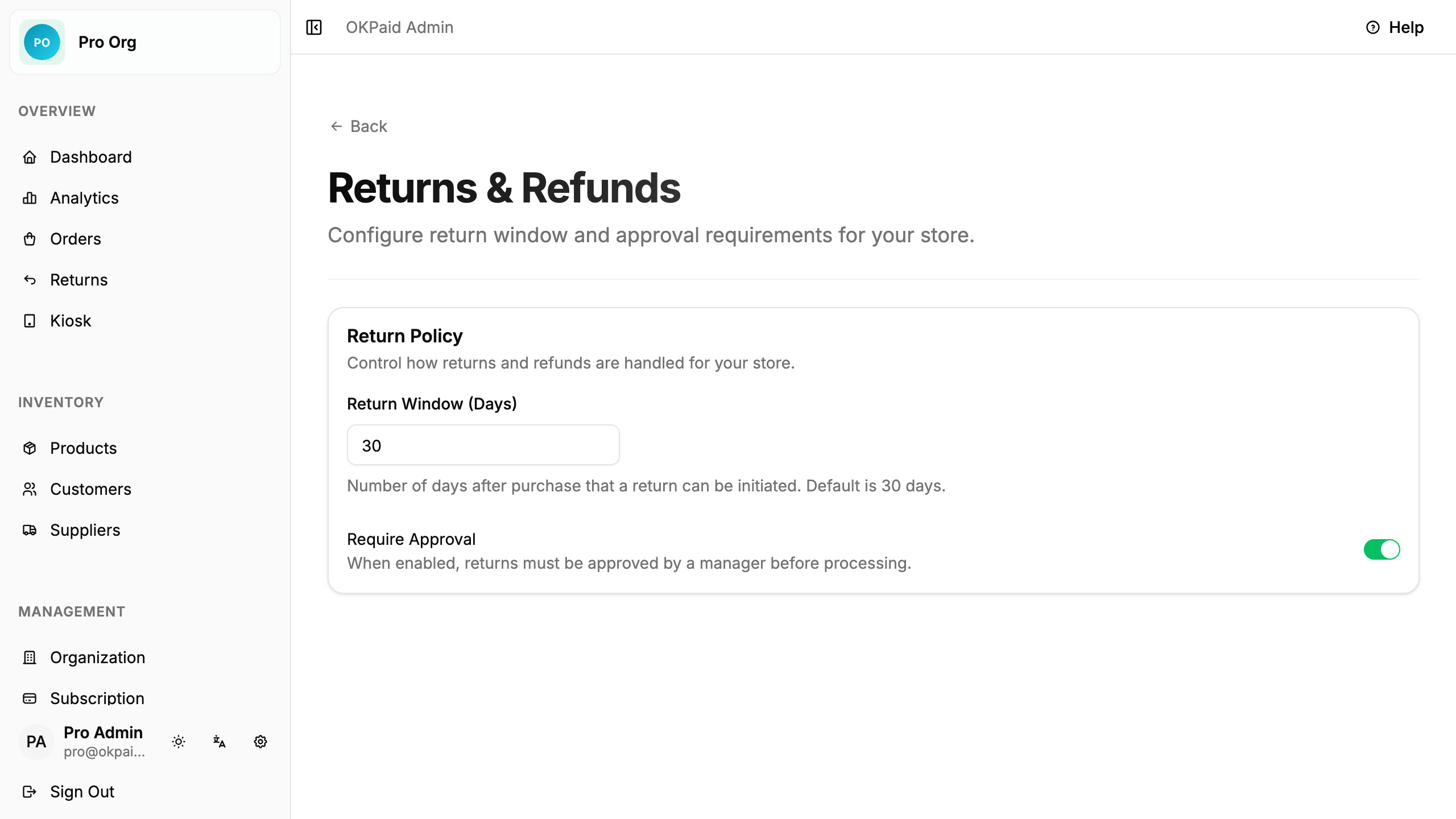
Configure Return Policy
Set your return window and whether returns need manager approval.
- Click Organization in the sidebar
- Click Return Policy under Store setup
- Enter the number of days customers have to return items
- Turn on Require Approval if a manager must approve each return
Initiate a Return
Open the order you want to return.
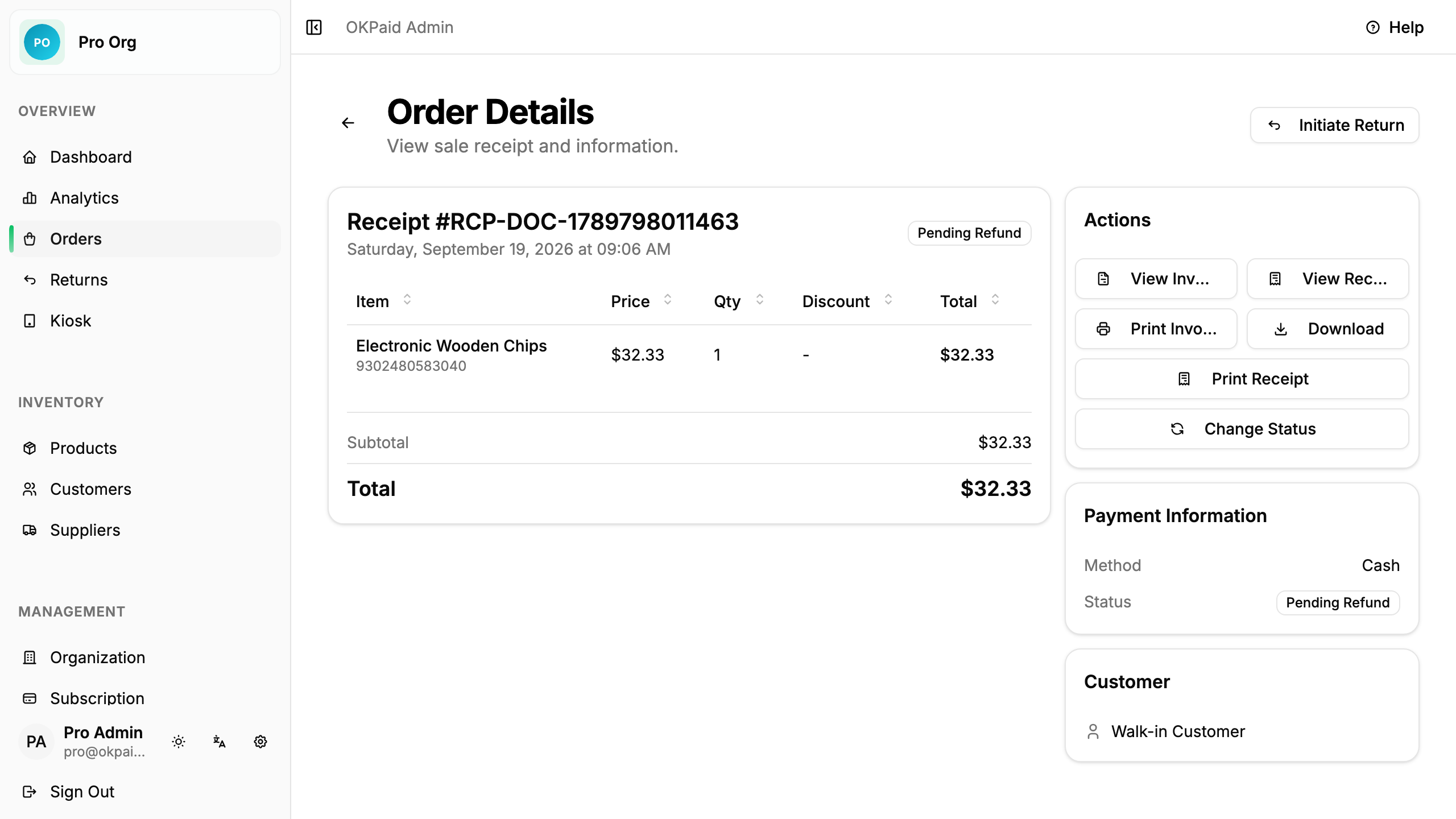
Click Initiate Return.
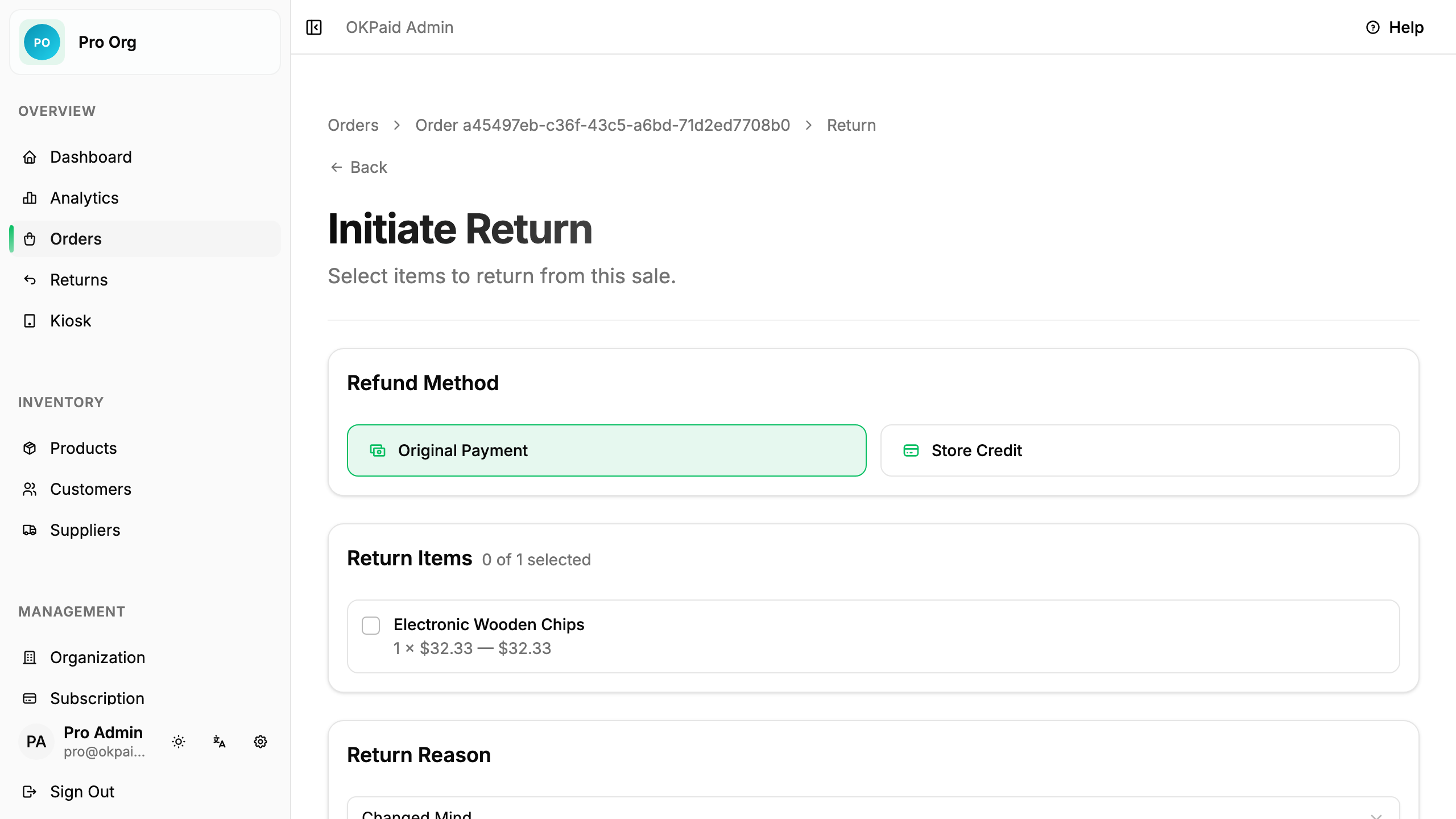
Select the items to return, choose a refund method, and pick a reason.
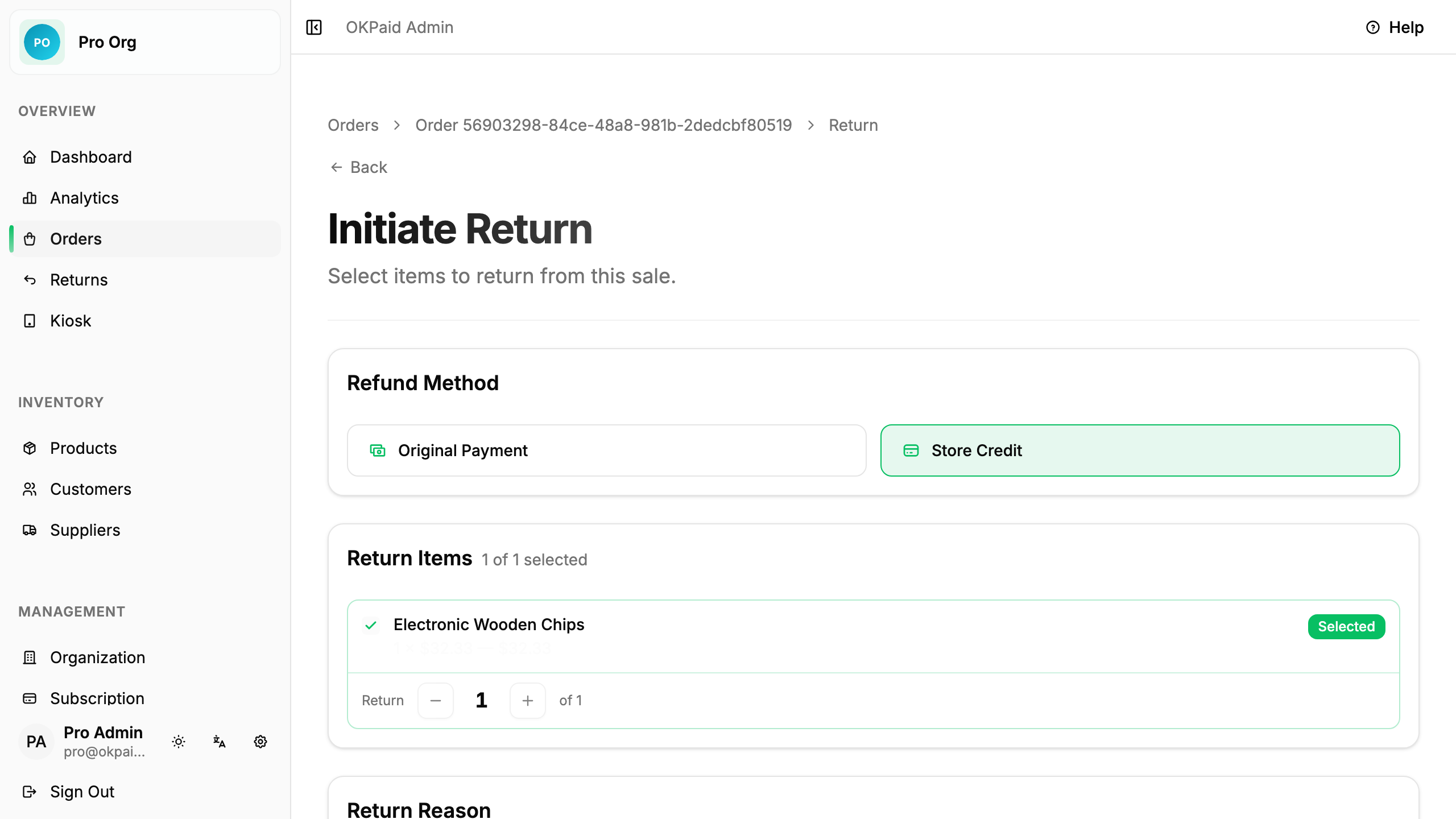
Click Initiate Return to create the return request.
Manage Returns
View all returns from Returns in the sidebar.
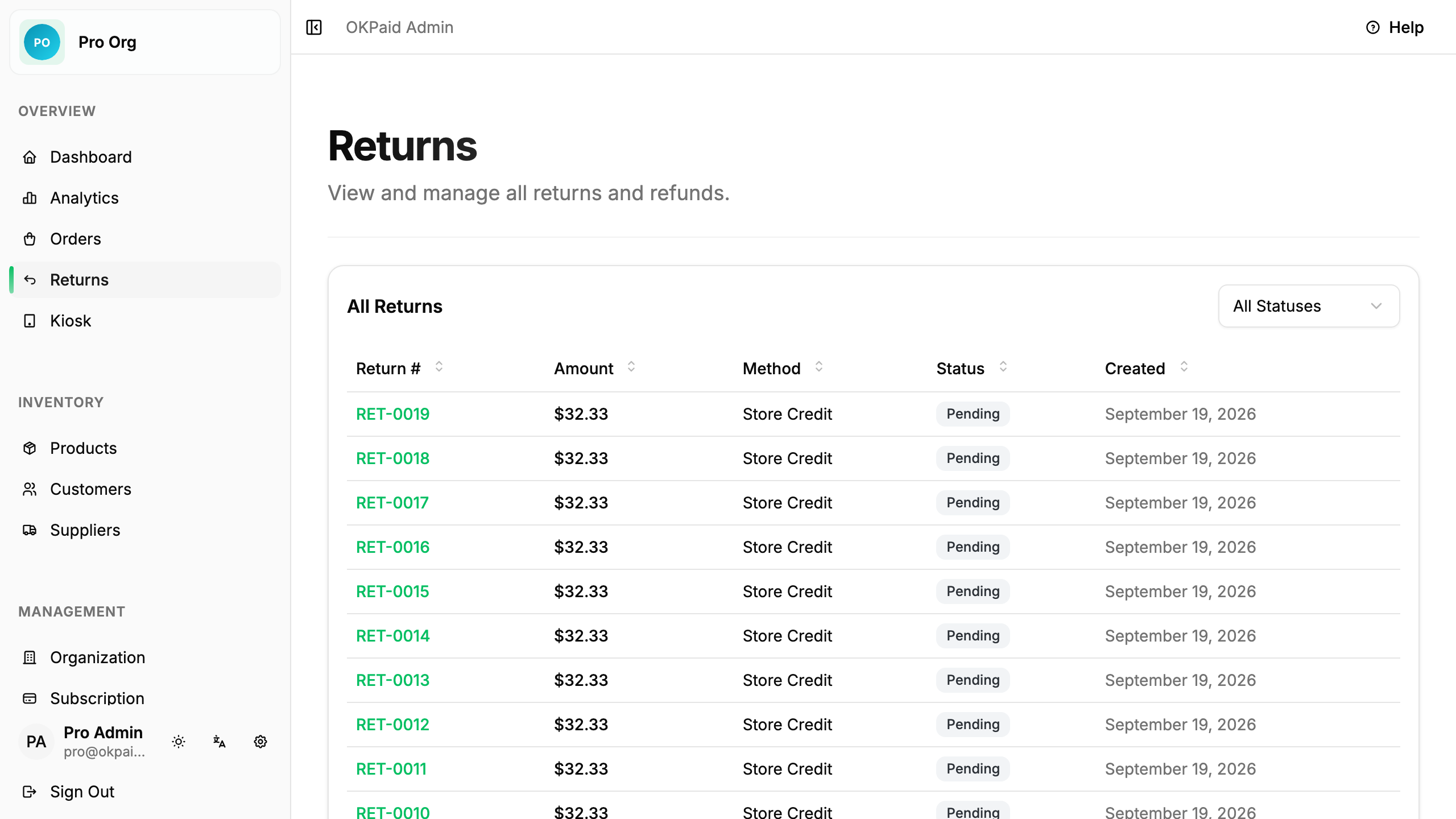
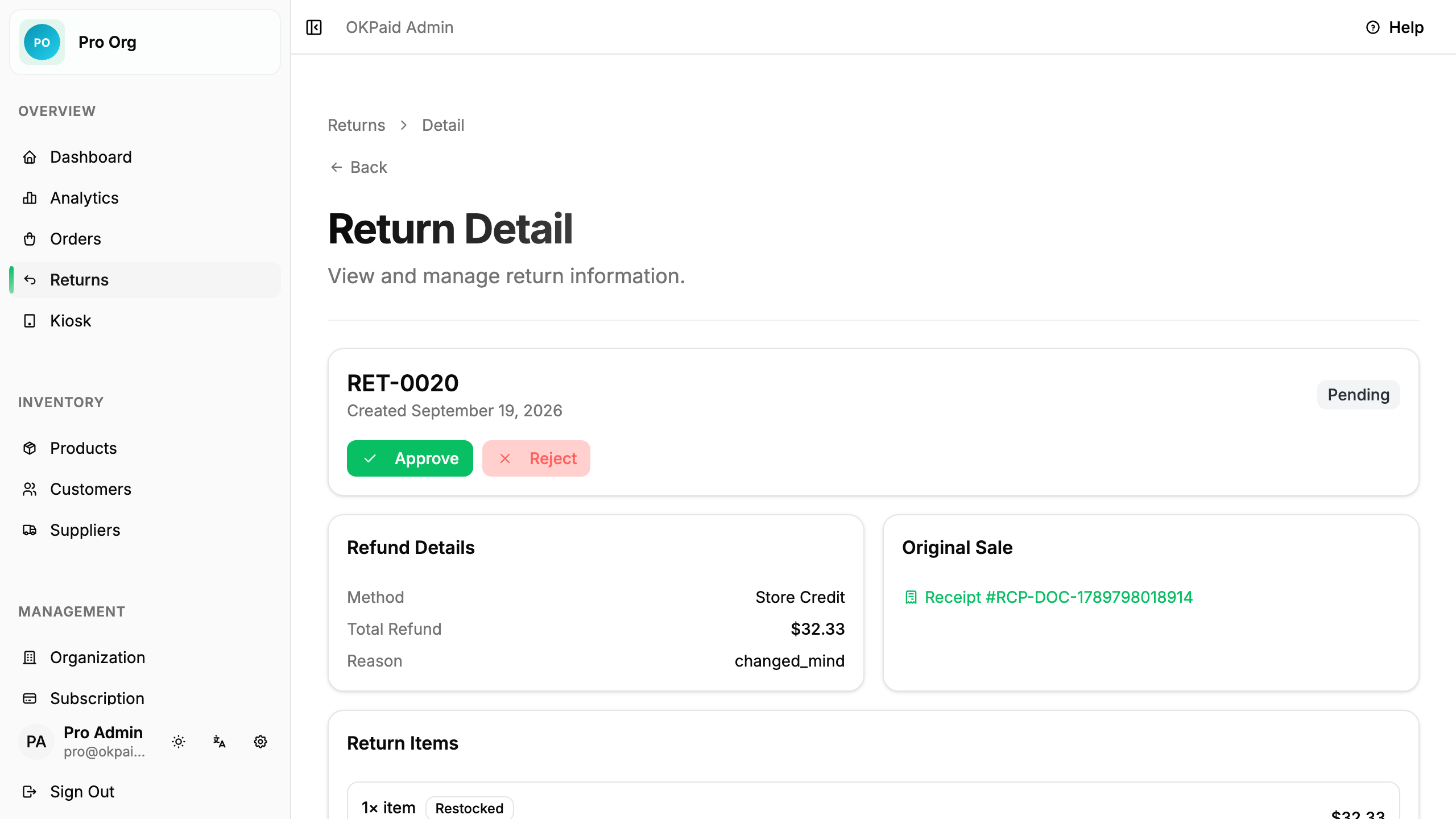
Click a return to view details and approve, reject, or complete it.
Refund Methods
- Original Payment: Mark the return as completed after refunding the customer outside OKPaid.
- Store Credit: Adds the refund amount to the customer’s credit balance automatically when completed.
Return Statuses
| Status | Meaning |
|---|---|
| Pending | Waiting for approval |
| Approved | Approved but not yet refunded |
| Completed | Refunded and restocked |
| Rejected | Return was denied |